

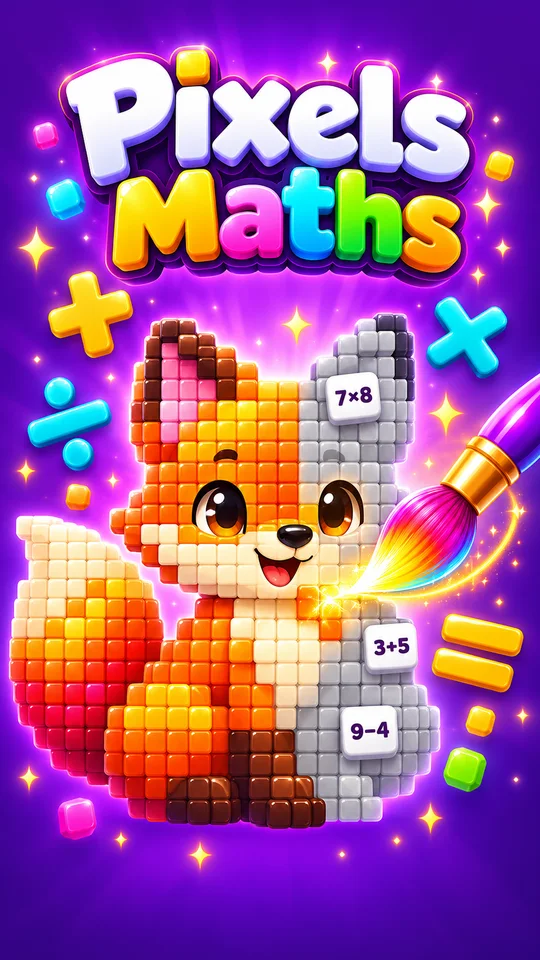
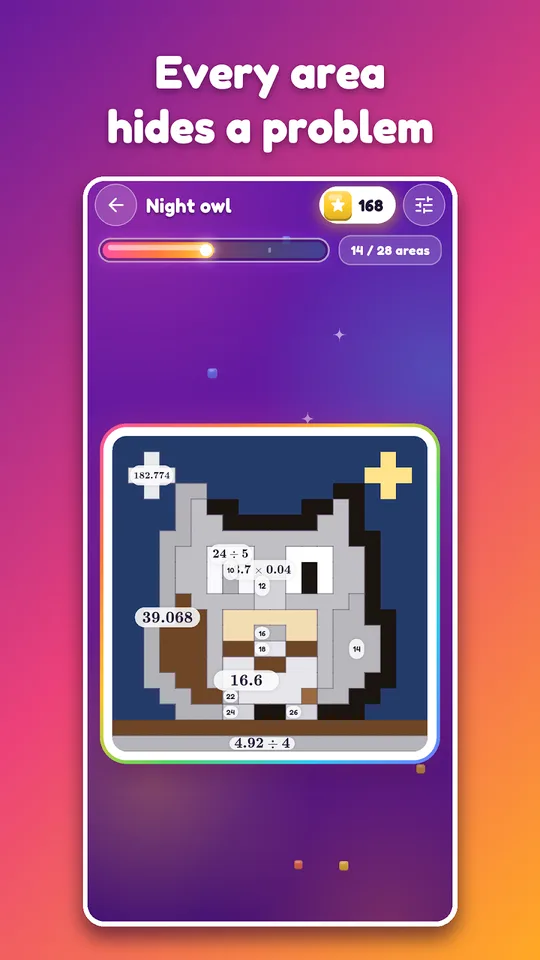
Pixels Maths is a pixel art math game for Android where every zone of a drawing hides a calculation, and a correct answer paints that zone. Zone after zone, a picture appears.
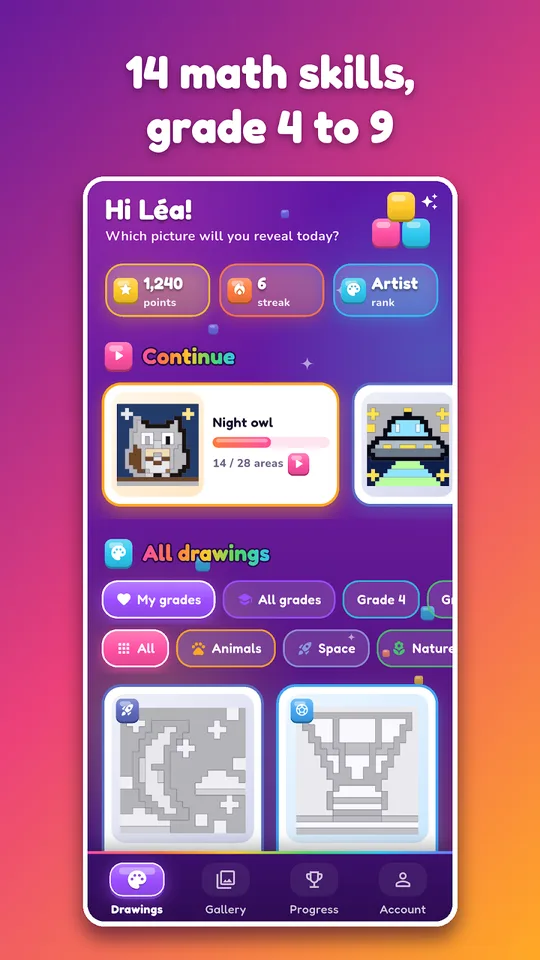
It covers mental math, multiplication tables and the middle-school programme from Grade 4 (CM1) to Grade 9 (3ème), with more than 60 drawings to complete and calculations generated fresh each time. It works for school revision and for pure fun.

Get Pixels Maths
At a glance
- Platform: Android
- Levels: Grade 4 (CM1) to Grade 9 (3ème)
- Content: 60+ pixel art drawings, 14 types of calculation
- Offline play: yes
- Advertising: none
- Languages: French and English
How the pixel art math game plays
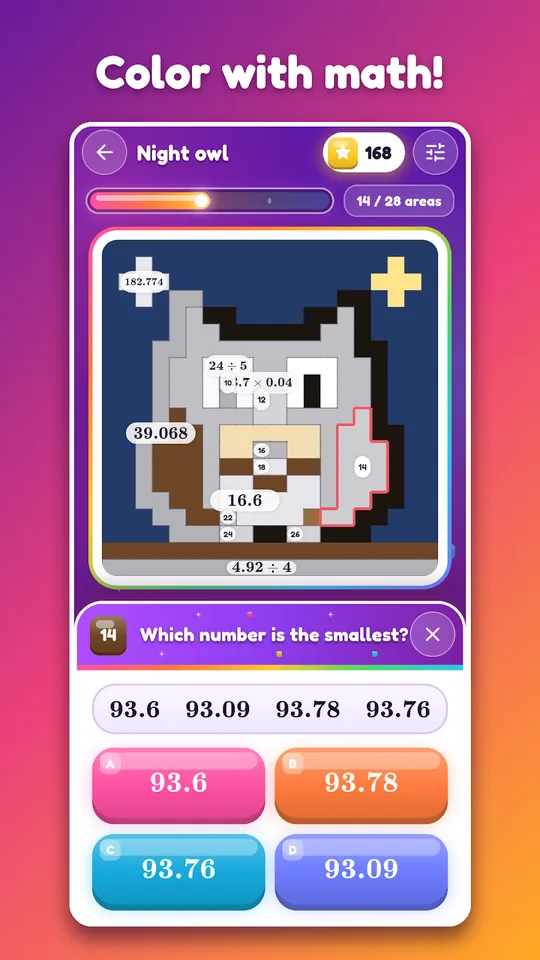
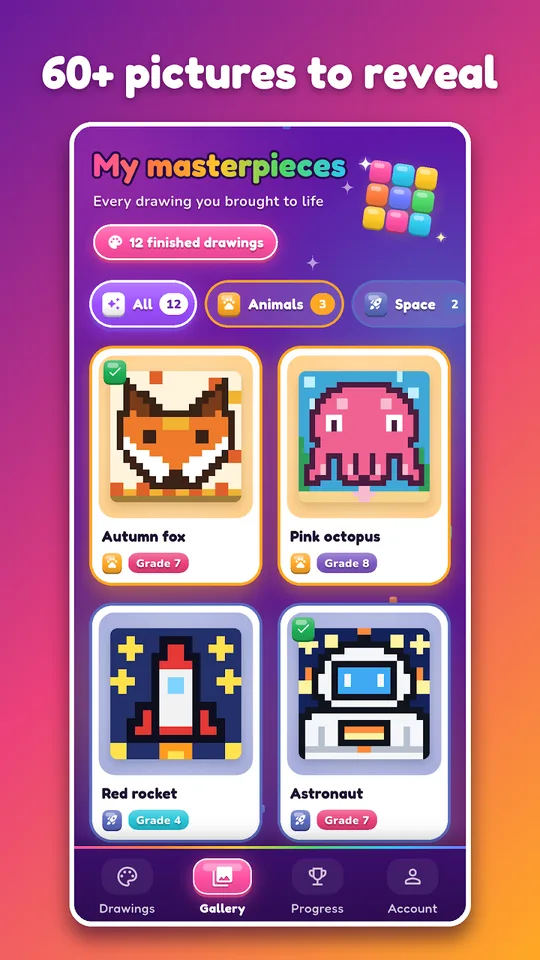
You choose a drawing and a grade. Touch a grey zone and a calculation appears in large type. Answer a multiple-choice question or type the result. A correct answer fills the zone with its colour. A wrong one brings a short correction and a new calculation. When the last zone is painted, the finished picture is stored in your gallery.
Because the calculations are generated at each play, one drawing can be coloured again and again with new problems, which keeps the game useful for months.
Think of it as a puzzle book that never runs out of pages. The pictures keep a child curious about what comes next, and the calculations keep the brain busy without feeling like a worksheet.
What you can practise
- Grades 4 and 5: multiplication tables, addition and subtraction, mental math, decimals, conversions
- Grade 6: order of operations, fractions, percentages, decimals
- Grade 7: relative numbers, algebraic expressions, proportionality
- Grade 8: powers, equations, the Pythagorean theorem
- Grade 9: equations, algebra, scientific notation, percentages, useful for the end-of-middle-school exam
- Fourteen types of calculation in all
Drawings include animals, space, nature, treats, sports, vehicles and festive themes, and new ones are added regularly.
Using it as a revision habit
- Select the grade that matches your class.
- Pick a drawing that looks fun, since motivation matters.
- Answer each zone, and read the short correction after any mistake.
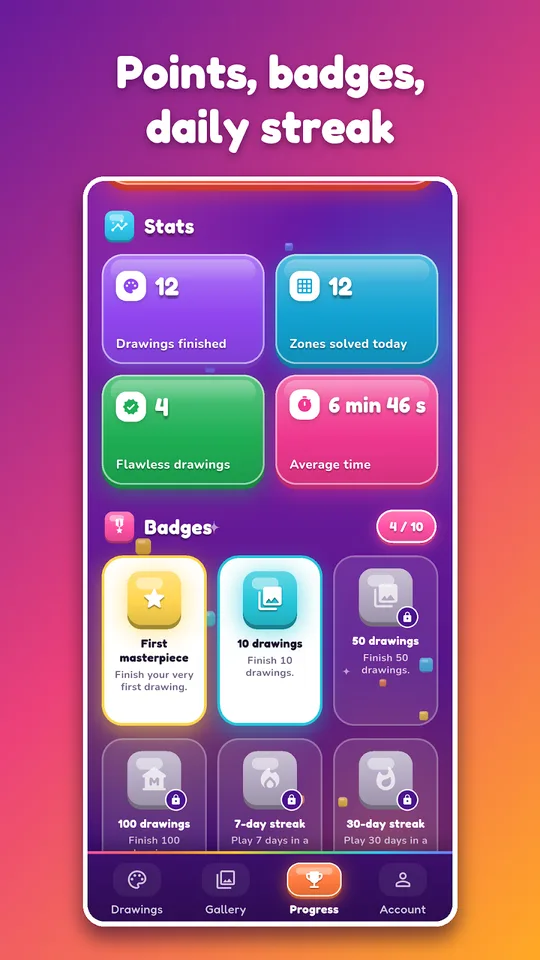
- Finish at least one picture per week and keep your daily streak going.
- Share the finished work as an image or an animated GIF that replays the colouring.
Points, a speed bonus, badges and four titles (Apprenti, Artiste, Virtuose, Maître) reward regular play. You can set a daily reminder at the time that suits you.
A match for Planète Maths families
Children who like drawing often learn better when the result is visible. Pixels Maths gives that visible result. After a session on percentages or equations, our percent applications lesson and one-variable equations lesson explain the ideas behind the calculations, in plain English with worked examples.
The game works offline, has no advertising, runs on phones and tablets, and saves progress across your devices. The interface is in French and in English.
Limits
Pixels Maths is a calculation game, so it does not teach theory. The corrections are short on purpose; a student who does not understand a topic needs a lesson first. Level names follow the French programme (CM1, 6ème and so on), which we match to US grades on this page. The app is available for Android and we do not announce an iPhone version. Finally, the drawings are pixel art: charming, but if your child prefers realistic pictures, show them a few screenshots first.
One practical tip: ask your child to show you the finished picture and explain one calculation that was tricky. Putting a method into words is a very good test of understanding.
Frequently asked questions
What is Pixels Maths?
Pixels Maths is an Android game of magic colouring in pixel art. Each zone of a drawing contains a calculation, and a correct answer paints it. It covers Grade 4 to Grade 9 with 14 types of calculation.
Does Pixels Maths work offline?
Yes, according to the store description the game works without an internet connection. Progress is saved across your devices, so connecting once in a while keeps everything in sync. There is no advertising in the app.
What math topics are in Pixels Maths?
The game covers multiplication tables, addition, subtraction, mental math, decimals, fractions, order of operations, percentages, unit conversions, relative numbers, powers, algebraic expressions, equations, the Pythagorean theorem and proportionality, across fourteen types of calculation.
Can I share my Pixels Maths drawings?
Yes. Finished drawings are kept in a gallery, and you can share them as an image or as an animated GIF that replays the colouring zone by zone. Younger players like showing these to relatives.