


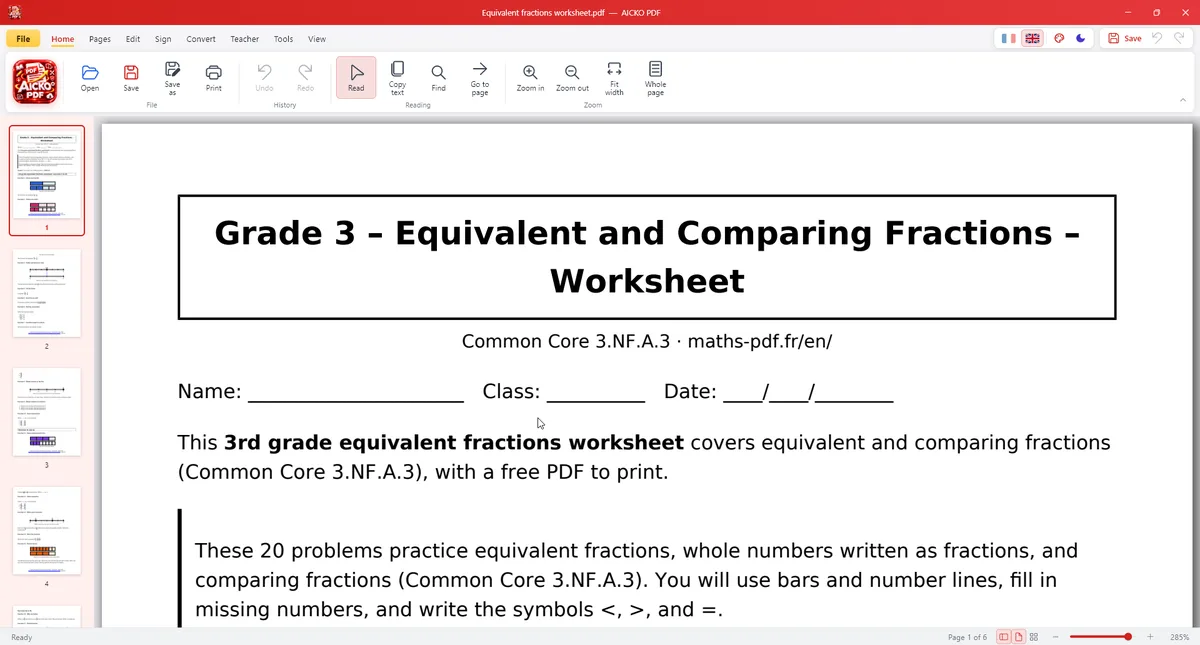
AICKO PDF is a free PDF editor for Windows 10 and 11. It reads, edits and converts PDF files without a subscription, without an account and without an internet connection, so your documents stay on your computer.
It is aimed at everyday jobs: correcting a line, merging two files, signing a form or turning a PDF into a Word document. It also reads the document aloud on request.
At a glance
- Platform: Windows 10 and 11
- Price: free
- Main tasks: edit, merge, compress, sign, convert
- OCR: yes, via Windows
- Works offline: yes
- Account: none
A free PDF editor for Windows, explained simply
A PDF is like a printed page on a screen: easy to read but hard to change. However, AICKO PDF changes that. Double-click a line of text to correct it, and the program keeps the original font, size and colour. Then add bold, italic, alignment or a new text box when you need one.
What you can do
- Reorder pages by dragging thumbnails, delete, rotate, duplicate, extract or insert pages.
- Also merge several PDFs or split one document.
- Next, convert PDF to Word (.docx), PDF to PNG or JPG, and photos to PDF.
- In addition, compress a file, draw a signature, add a stamp, a watermark and page numbers.
- For privacy, protect a file with an AES-256 password and truly redact sensitive information.
- Finally, make scanned pages searchable with the text recognition of Windows (OCR).
- Furthermore, fill in forms and have the document read aloud.
- Teacher tools: gap-fill sheet, question and answer separation, A5 booklet, 2 or 4 pages per sheet and a version for pupils with dyslexia.
Prepare and send a school form
- Install AICKO PDF from the Microsoft Store and open the form.
- Then fill in the fields and type any extra text.
- After that, draw your signature with the mouse and place it.
- Next, compress the file if it is heavy.
- Finally, save and send it by email.
Interface in French or English, dark mode and seven colours.
What it means for Planète Maths readers
Our practice pages and books use PDF worksheets and answer keys. For example, with AICKO PDF a parent can split the questions from the answers, make a gap-fill version of a lesson, or print four pages per sheet to save paper. Also, students can annotate a worksheet on screen and keep a clean copy untouched.
Tools for teachers and parents
Several features were designed with the classroom in mind. For example, the gap-fill tool hides chosen words so a lesson becomes an activity. Likewise, the question and answer separation tool splits a worksheet from its answer key, so a pupil sees only the problems. An A5 booklet layout and the 2 or 4 pages per sheet option save paper, and a version for pupils with dyslexia offers a clearer reading layout.
Your computer processes everything. Therefore, a PDF containing names or marks never leaves your machine unless you decide to send it.
Honest limits
Text recognition depends on the quality of the scan and on the languages installed in Windows. However, editing very complex layouts may need a replacement font. Besides, the program is for Windows 10 and 11 only. A lighter Android app with the same name also exists for phones and tablets.
Frequently asked questions
Is there a free PDF editor for Windows with no subscription?
Yes. AICKO PDF is free from the Microsoft Store for Windows 10 and 11. It edits text, organises pages, merges, compresses, signs, protects and converts PDFs, all without an account or an internet connection.
Can AICKO PDF convert a PDF to Word?
Yes. It converts PDF to Word (.docx), PDF to PNG or JPG, and images or photos to PDF. This is useful when you receive a worksheet as a PDF but want to rewrite it in a word processor.
Does AICKO PDF include OCR for scanned documents?
Yes. It uses the text recognition built into Windows, so a scanned PDF becomes searchable and copyable. Results depend on the scan quality and on the language packs installed on your computer.
Can I redact or password-protect a PDF?
Yes. You can add an AES-256 password and truly redact sensitive information, so that hidden text is removed from the file, not just covered by a black box. You can also add a watermark.