


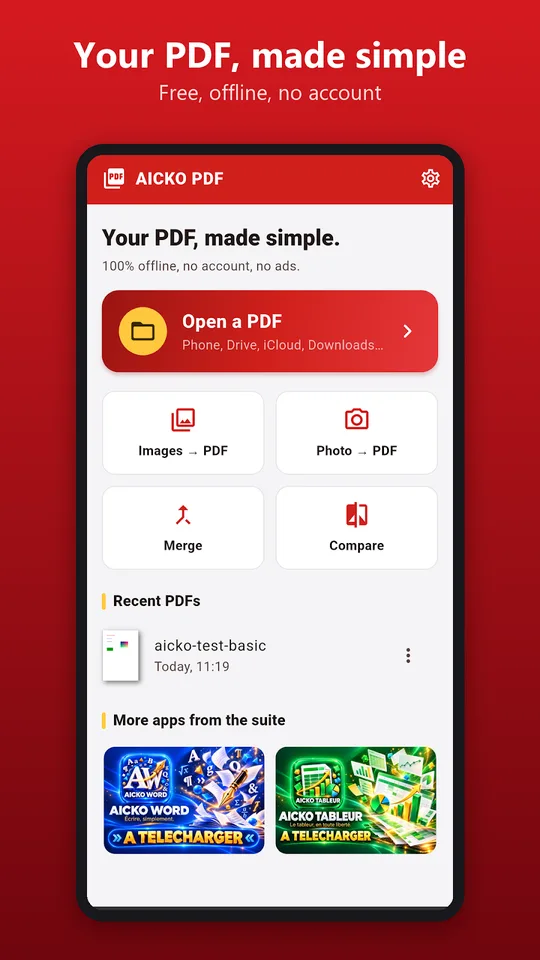
AICKO PDF is a PDF editor app for Android that lets you read, correct, sign and organise documents on a phone or tablet. It needs no account, shows no ads and works completely offline, so files stay on your device.
Families use PDFs all the time: school forms, worksheets, permission slips, bills. This app makes those files easier to handle without sitting at a computer. It reads files quickly, even long ones.
Get AICKO PDF
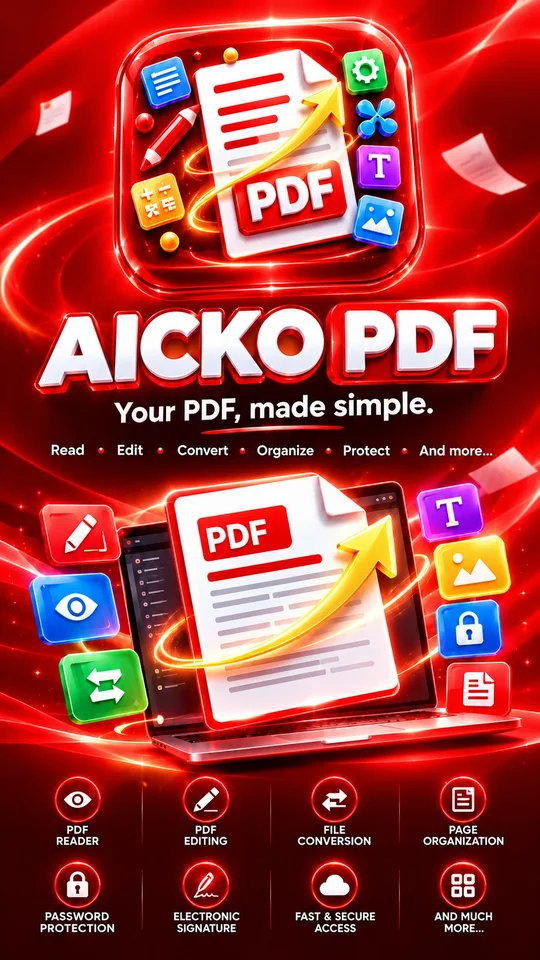
At a glance
- Platform: Android
- Works offline: yes
- Account: none, no ads
- Main tasks: edit, sign, merge, convert, compress
- Text recognition: scanned PDFs become searchable
- Also available for Windows
A PDF editor app for family papers
The papers that arrive from school are often PDFs that need an answer. With AICKO PDF you open the file from your phone, from a drive, from a messaging app or from an email, fill in the form, add your signature and send it back. The same app also reads large documents smoothly, with zoom, search, bookmarks and a night mode for reading in bed.
What you can do
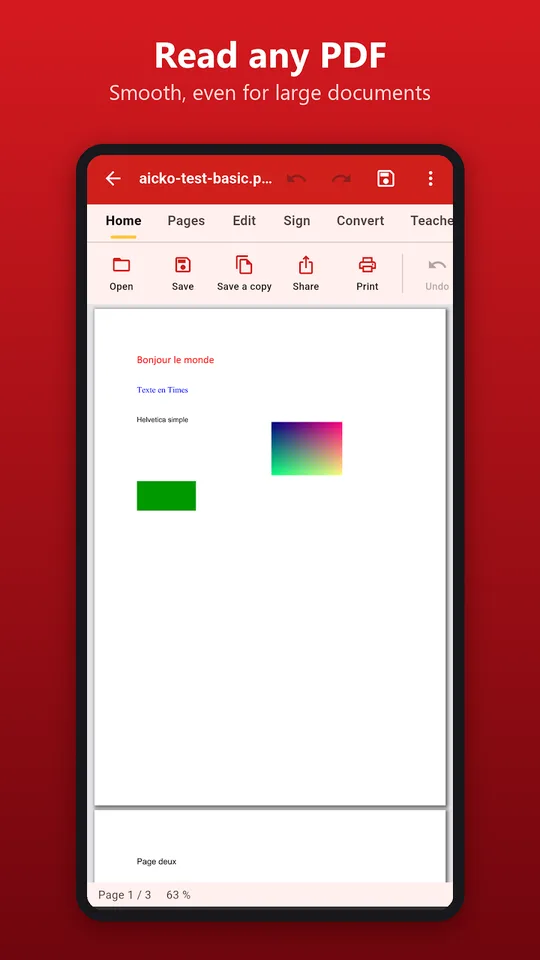
- Read any PDF, including password-protected files.
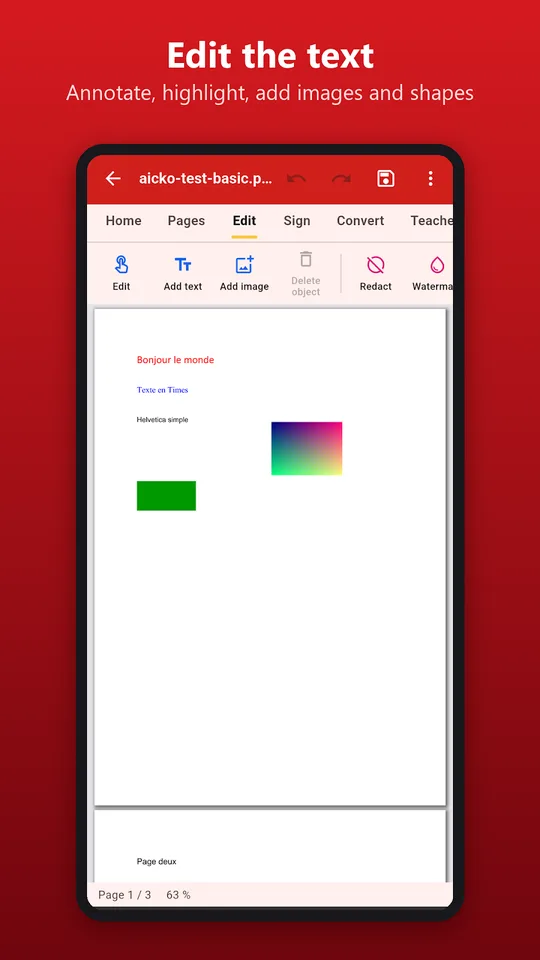
- Fix a sentence, add text, highlight, annotate, draw and insert images or shapes.
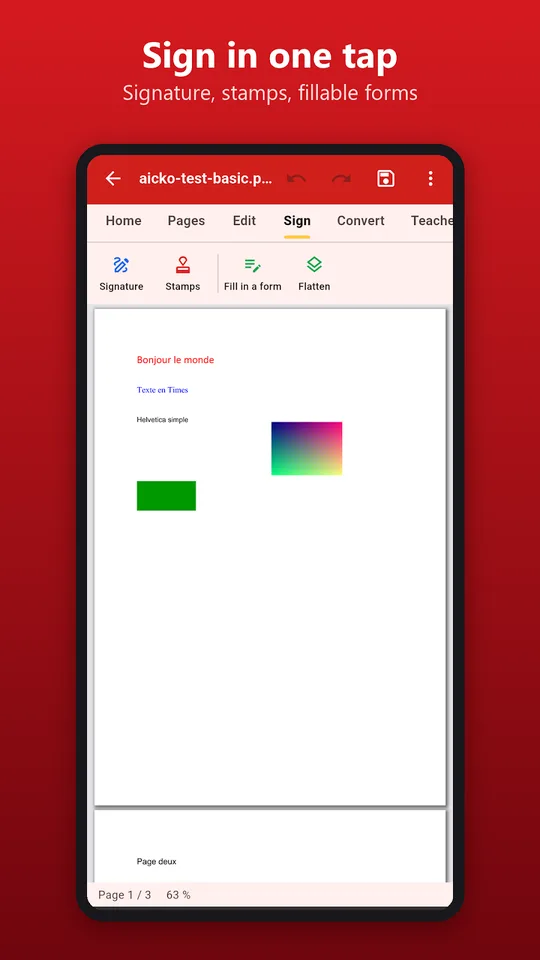
- Create a signature with your finger or from a picture and place it where you want.
- Reorder, rotate, delete, extract and add pages, merge several PDFs or split one.
- Convert PDF to Word, images to PDF and pages to images.
- Make a scanned PDF searchable with text recognition, then reduce its size before you send it by email.
- Prepare teaching material: gap-fill sheets, booklets and a version adapted for pupils with dyslexia.
Sign and return a school form
- Open the form from your messaging app or your drive.
- Tap the fields and fill them in.
- Create your signature with a finger and place it on the line.
- Compress the file if it is large.
- Share it in one tap by email or message.
The same steps work for a worksheet: fill in the answers, save a copy and keep the original untouched.
How it fits with Planète Maths
Our practice pages and books are built around printable and PDF material. If you download a worksheet, this app lets a child type or draw answers directly on a tablet, which saves paper. Teachers and home-school parents can also use the booklet and gap-fill tools to adapt a page for a pupil who needs larger layout.
Handy for teachers and home-school parents
The teaching tools are a quiet strength. Turn a lesson page into a gap-fill sheet by hiding key words, split a long answer key from the questions so the pupil sees only the problems, print two or four pages per sheet to save paper, or create a small booklet. A version adapted for pupils with dyslexia gives a clearer reading layout.
Everything is processed on the device, so a worksheet with names on it never leaves your phone.
Redaction and watermark tools exist on the Windows version for heavier jobs.
Reading comfort matters too. Night mode softens the screen, bookmarks mark the page you were on, and search finds a word in a long document in a second.
Honest limits
The interface is mainly French, with some English support described by the publisher, so labels may look unfamiliar at first. The text recognition depends on the quality of the scan. The app runs on Android; an iPhone version is in preparation. A larger version for Windows also exists for working at a desk.
Frequently asked questions
What is the best PDF editor app for Android without ads?
AICKO PDF is an Android PDF editor app with no ads and no account. It reads, annotates, signs, merges, splits, converts to Word and applies text recognition to scanned pages, all offline.
Can I sign a PDF with my finger on my phone?
Yes. AICKO PDF lets you draw a signature with your finger or use a picture of it, then place it anywhere on the page. You can also fill in PDF forms with a few taps before sending the document.
Does AICKO PDF work offline?
Yes. Processing happens locally on your phone or tablet, so your documents are not uploaded anywhere. No account is needed and there are no ads, which is reassuring when the files contain family information.
Can AICKO PDF convert a PDF to Word?
Yes. It converts PDF to Word, images to PDF and PDF pages to images, keeping the layout as far as possible. You can then share the result in one gesture from the app.