




AICKO IRIS is a free image viewer for Windows 10 and 11 that opens nearly every picture format, including HEIC and AVIF files from modern phones. It is quick, orange and simple to use.
It is a viewer, not an editor: you look at photos, move through a folder and enjoy them without waiting. Besides, it handles all the common picture types. Once you install it, every folder of pictures becomes easy to browse.

Get AICKO IRIS

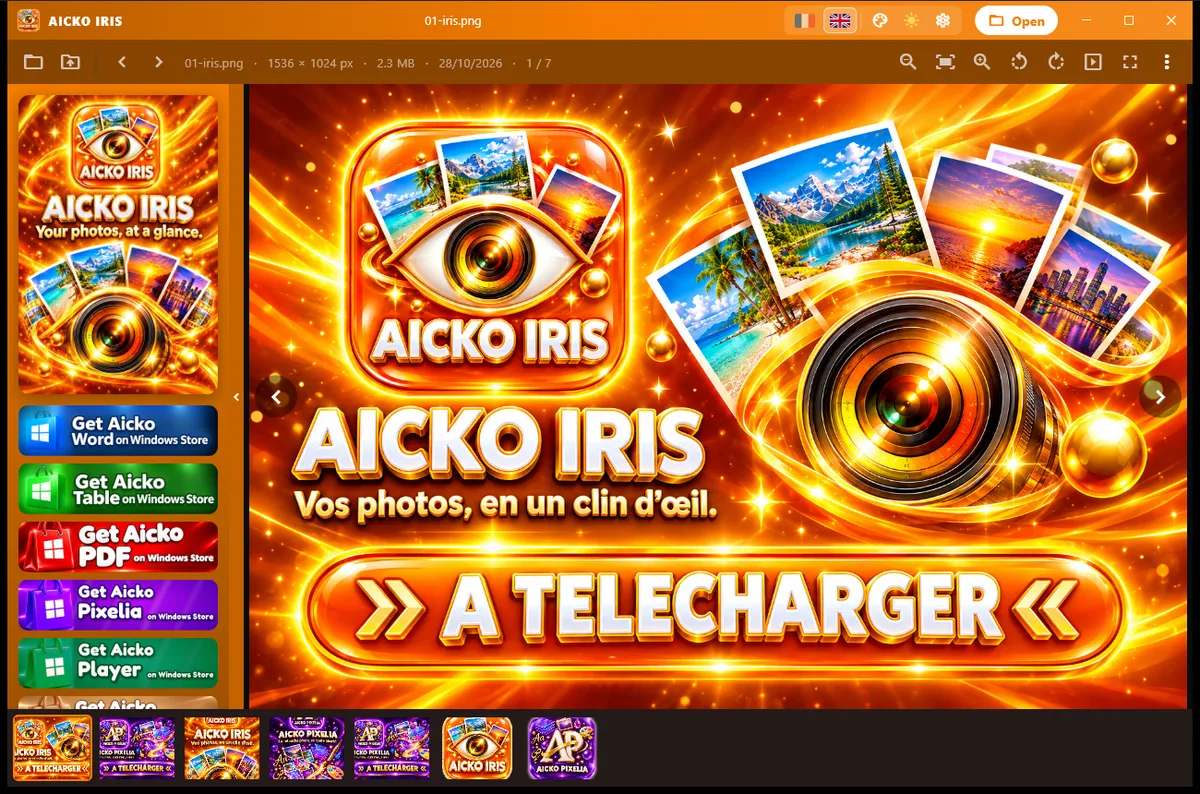

At a glance
- Platform: Windows 10 and 11
- Price: free
- Formats: all common types, HEIC, AVIF, TIFF, RAW
- Role: viewer, not editor
- Languages: French and English
A free image viewer for Windows that opens anything
Many families have photos that Windows cannot show, for example pictures from an iPhone saved as HEIC, or newer AVIF files from a website. AICKO IRIS reads them. Behind the scenes, a library compiled without encoders decodes HEIC and AVIF, while other types such as TIFF, JXR and RAW use the decoders built into Windows.
Why people choose it
- First, it opens all common picture types on any PC, with no extra download.
- It also reads HEIC and AVIF photos.
- Moreover, it handles TIFF, JXR and RAW through Windows decoders.
- In addition, it has the same look as the other AICKO programs: title bar, settings and left column.
- Finally, it offers a French or English interface, a choice of colours and a dark or light look.
View a folder of holiday photos
- Install AICKO IRIS from the Microsoft Store.
- Then open a picture, or right-click and choose it as the program.
- Next, move through the folder with the arrow keys.
- After that, zoom into a detail you want to see closely.
- Finally, if you need to retouch a picture, open it in the editor AICKO PIXELIA.
Because Windows protects some default choices, you may need to confirm the default program yourself in the settings.
Link with Planète Maths
Maths hides in photographs: symmetry in a leaf, spirals in a shell, tilings on a floor. Take pictures on a walk, open them in IRIS and look for shapes. Then explore the ideas in the math lessons and try the practice pages on geometry, using your own photos as examples.
Viewing habits that save time
First, keep holiday photos, scans and downloaded pictures in clearly named folders, then open the first picture and move through the rest. However, if a photo needs a touch-up, open it in PIXELIA, and keep IRIS for the pleasure of looking.
For example, the program shares its design with the other AICKO programs: the same title bar, the same settings and a left column. Also, choose your colour, switch between day and night looks, and use French or English menus. Orange is the default colour.
An orange companion to PIXELIA
The publisher chose to build two separate programs: one to look and one to edit. Therefore, IRIS stays light and quick because it does not carry editing tools. Together they cover most photo needs at home, and both are free in the Microsoft Store.
Moreover, both share settings and the same left column, so moving from one to the other feels natural.
Honest limits
IRIS is built for looking, not for retouching, layers or text. Instead, those tasks belong to its sister program, AICKO PIXELIA. Besides, support for rare RAW cameras depends on what Windows can decode on your machine. The program requires Windows 10 or 11 and is not available for Mac or phones.
Frequently asked questions
Is there a free image viewer for Windows that opens HEIC files?
Yes. AICKO IRIS is free in the Microsoft Store and opens HEIC and AVIF photos on Windows 10 and 11, along with all the usual formats such as JPG and PNG.
How does AICKO IRIS read HEIC and AVIF?
It uses a built-in decoder for HEIC and AVIF, so you do not need to install extra codecs. Formats such as TIFF, JXR and RAW are decoded with the tools that Windows already provides.
Can I edit photos in AICKO IRIS?
No. IRIS is a viewer, designed for fast opening and browsing. For cropping, layers, filters and text, use AICKO PIXELIA, the sister editor from the same publisher, which exports PNG and JPG.
Is AICKO IRIS available for Mac or phones?
No. AICKO IRIS is made for Windows 10 and 11 and is installed from the Microsoft Store. There is no Mac, Android or iPhone version of this viewer.