

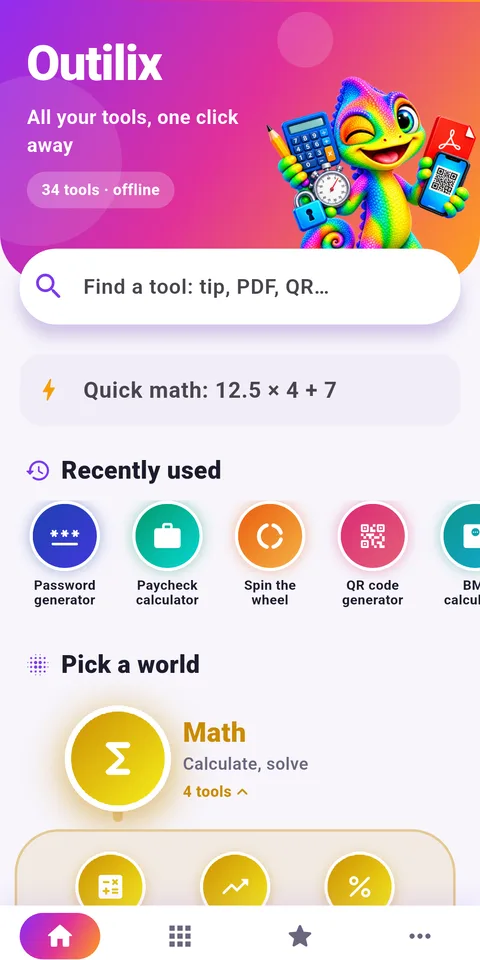
Outilix is an Android app of offline math tools and everyday helpers, 34 in total, sorted into 9 colored categories and guided by Kroma, a chameleon mascot who holds the tools. It turns a phone into a small math lab that works anywhere.
Curious kids can roll dice, convert miles to kilometers or watch a fraction simplify step by step. Older students can test equations, and families can use the same app for real-life numbers.

Get Outilix

At a glance
- Platform: Android (iPhone version in preparation)
- Categories: 9, with 34 tools
- Mascot: Kroma the chameleon
- Works offline: yes
- Languages: English and French
An overview of the app
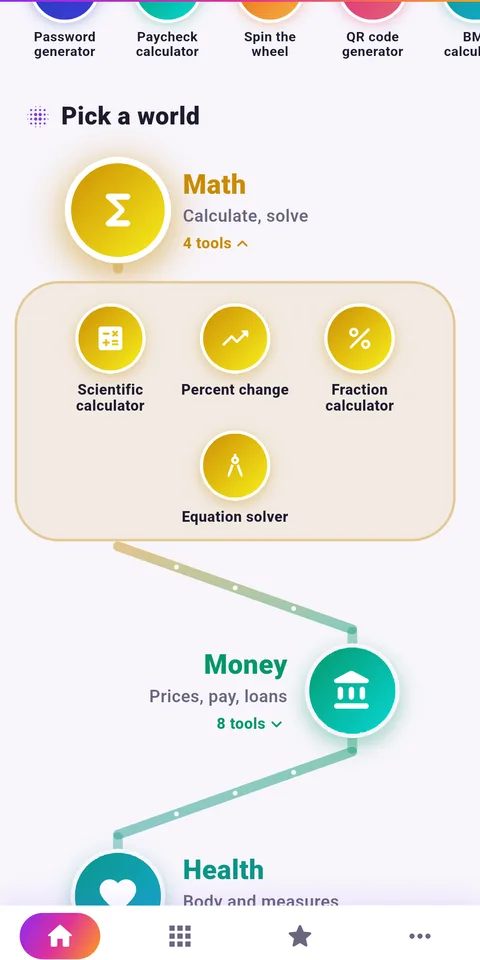
Outilix is not a course and not a game. It is a toolbox. The home screen offers a search bar, a quick calculation field, your recent tools, and then the categories laid out along a zigzag path. Four tabs at the bottom lead to Home, Tools, Favorites and More.
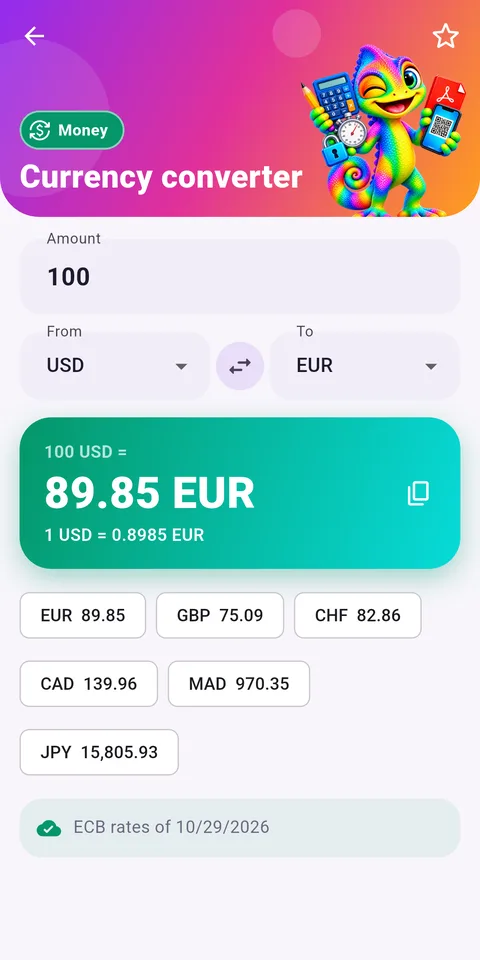
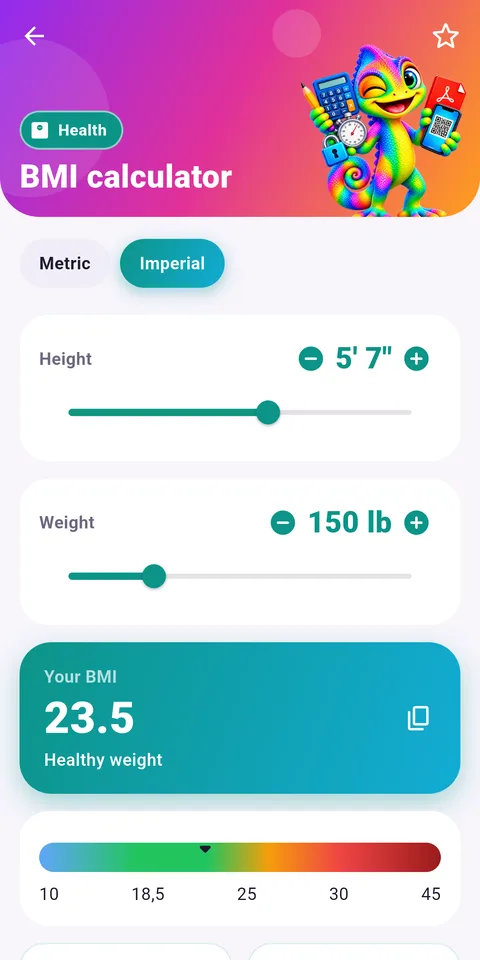
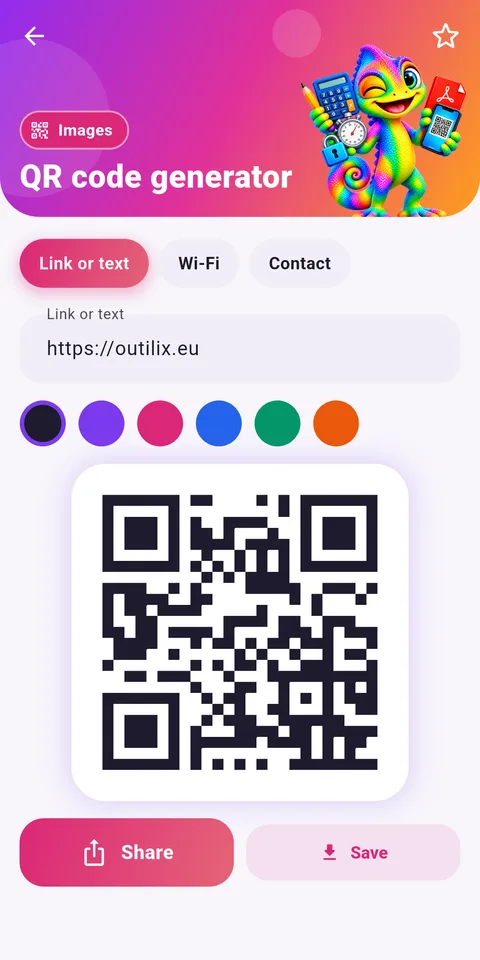
The categories cover math, money, health, dates, PDF, images, text, security and chance. That variety is what makes it interesting for a curious learner: math shows up in almost every category, from the speed of a car to the odds of rolling a six.
Strong points of these offline math tools
- Fractions that add, multiply and simplify with every step visible
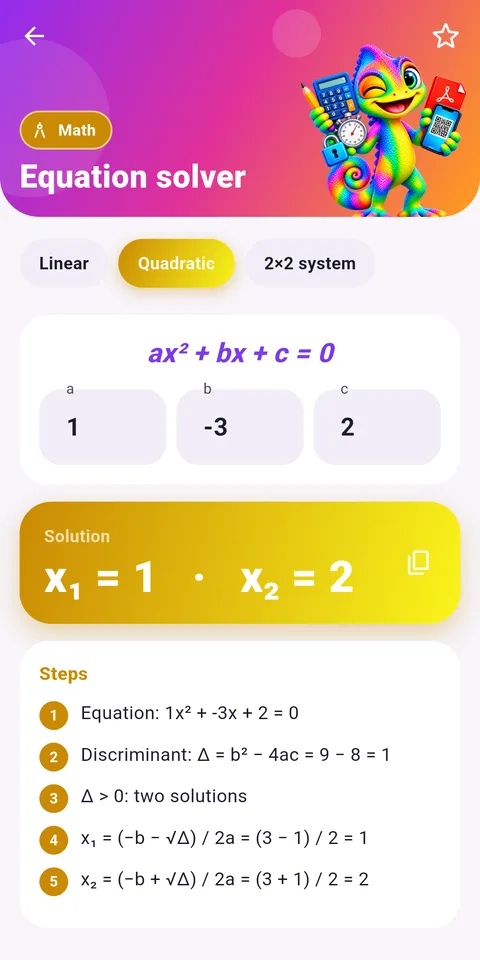
- An equation solver for linear and quadratic equations and systems, with steps
- A scientific calculator with sine, roots, powers and factorials
- A unit converter for length, mass, volume and speed
- Temperatures in Celsius, Fahrenheit and Kelvin
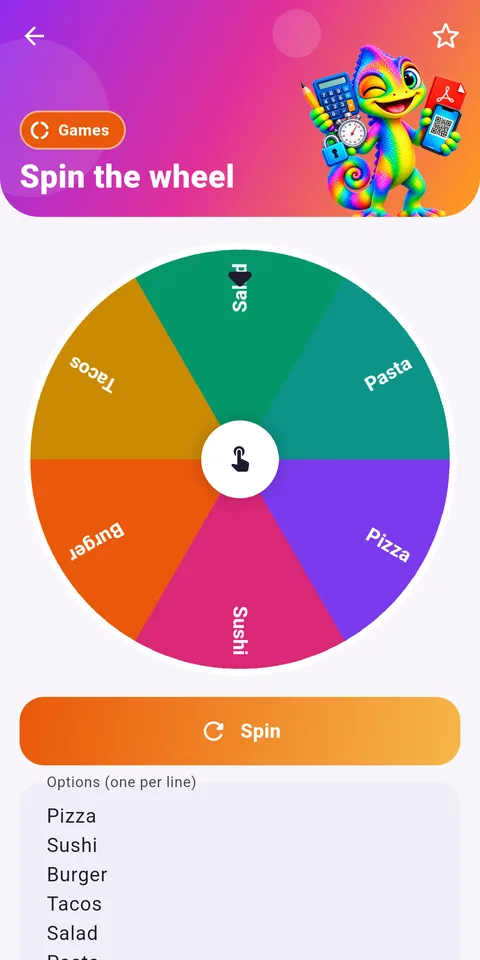
- Chance tools: roll one to six dice, spin a wheel, draw random numbers without repeats
- Dates: exact age, days between two dates, time zones around the world
Everything runs on the phone, with no account and no connection needed.
How to fit it into your learning
- Pick a question you are curious about, such as how many days until your birthday.
- Find the right tool with the search bar on the home screen.
- Guess the answer before you calculate it.
- Run the tool and compare its result with your guess.
- For fractions or equations, read each step and try the next problem by hand.
- Save your favorite tools with the star so they are one tap away.
A fun idea for Grade 3 (CE2) and Grade 4 (CM1): roll two dice fifty times, write down the sums, and see which total comes up most often. In Grade 6 (6ème), use the percent change tool to compare prices before and after a sale.
Where Planète Maths comes in
Exploring is great, but understanding needs a lesson. When the fraction tool simplifies 12/18 into 2/3, the fractions lesson for Grade 3 explains what is really going on. The percents lesson for Grade 6 gives meaning to the percent tools, and the linear equations lesson for Grade 8 (4ème) shows the reasoning behind each step of the equation solver.
Honest limits
Outilix does not teach full lessons, offer quizzes or track progress. It gives answers and steps, so a student who copies results without thinking will not learn much. Its paycheck tool follows US rules in English and French rules in French, which is useful for parents but not part of a school program. The interface exists in English and French only. The app runs on Android, and an iPhone version is in preparation.
Frequently asked questions
What kind of math can kids explore with Outilix?
Kids can simplify and add fractions with steps, solve equations, convert units and temperatures, and play with chance using dice, a wheel and random numbers. These tools let them test guesses and see how numbers behave in daily life.
Who is Kroma in the Outilix app?
Kroma is the mascot of Outilix, a chameleon who holds the tools. He gives the app a friendly look for younger users, while the 34 tools themselves are sorted into 9 colored categories on the home screen.
Can Outilix replace a math lesson?
No. Outilix is a set of calculation tools that show results and, for fractions and equations, the steps. It does not contain lessons or quizzes. Students should learn the method in class or on a lesson page first.
Do the math tools in Outilix work offline?
Yes. The calculation engines are built into the app, so every tool works without an internet connection. No account is required, which suits children using a family phone or tablet.