



AICKO IPTV is a free IPTV player for Windows 10 and 11. You add the M3U list or the Xtream codes supplied by your own provider, and the program plays live television, films, series and radio.
It hosts, provides and sells no content. Instead, it is a player, in the same way as a media player, so what you watch depends only on your list. It plays audio-only streams too, and search and favourites help you reach a channel fast.

At a glance
- Platform: Windows 10 and 11
- Price: free
- Lists: M3U and Xtream Codes you provide
- Content included: none
- Interface languages: 6
- Engine: libmpv
An IPTV player for Windows that keeps things tidy
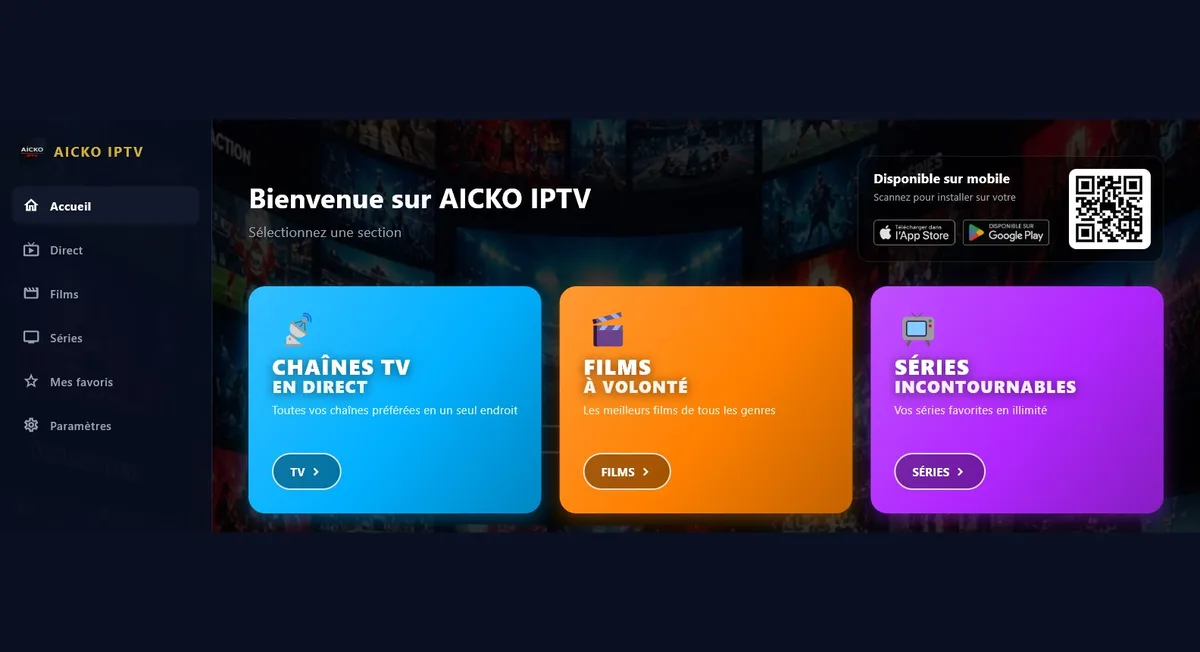
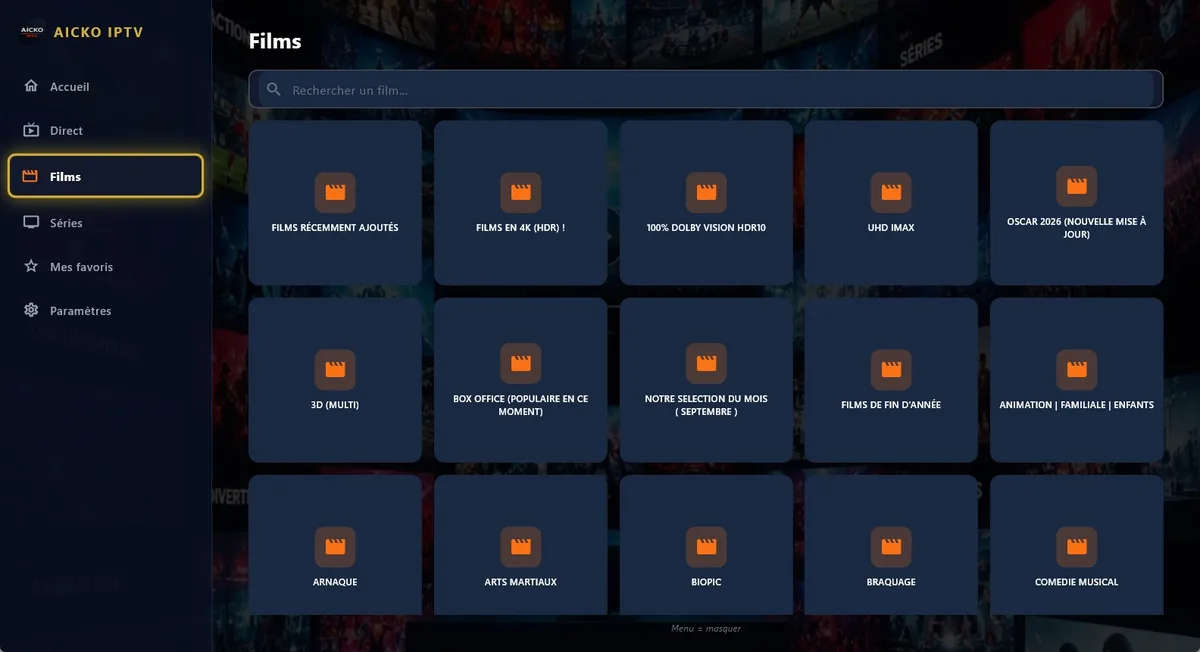
Good organisation is half of a pleasant evening. Therefore, AICKO IPTV sorts your list into live television, films and series, and radio and audio, with a search in each section and categories you can hide. Moreover, the playback engine, libmpv, handles a very wide range of formats and streams.
What it does
- Reads Xtream Codes and M3U playlists that you supply.
- Also, live television with a programme guide (EPG) and replay access.
- Then films and series sorted by category, resuming exactly where you stopped.
- In addition, radio and audio streams, including MP3 and online radio.
- Furthermore, an account keeps favourites and progress in step across your devices.
- Besides, search in every section and categories you can hide.
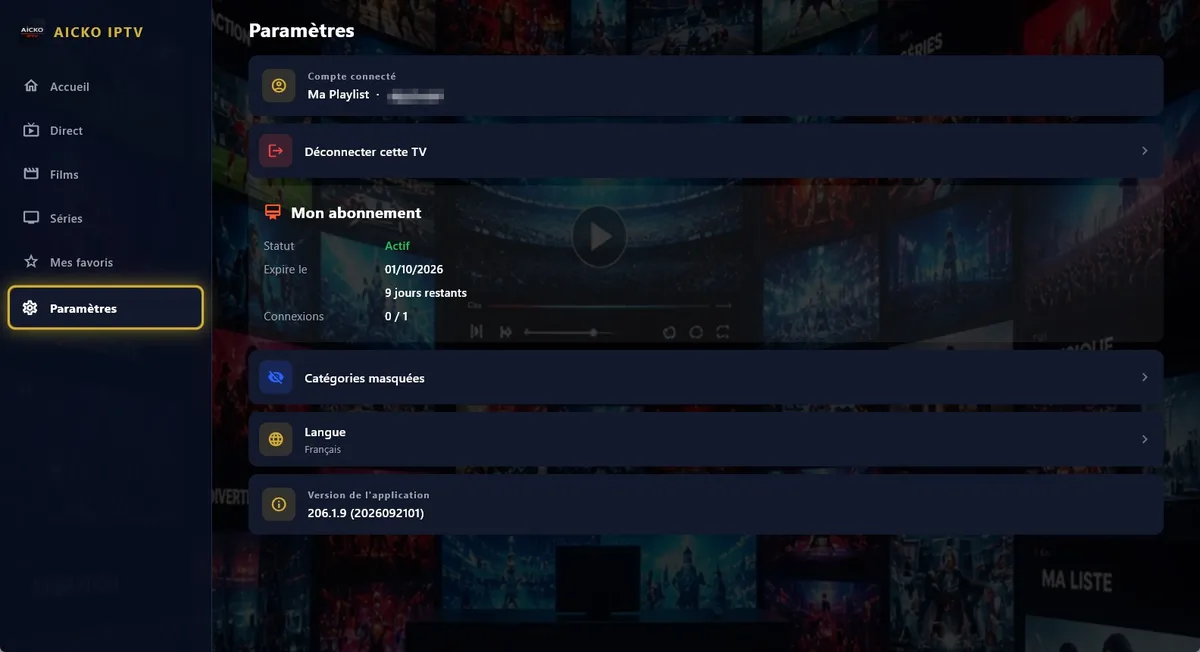
- Finally, six interface languages: French, English, Arabic (right to left), German, Spanish and Italian.
First use in four steps
- Install AICKO IPTV from the Microsoft Store.
- Then choose the type of list, M3U or Xtream, and enter the details from your provider.
- Next, open live television, films or radio, and press play.
- Finally, add favourites and hide the categories you do not need.
The same product exists on Google Play, the App Store, Android TV, Fire TV and Samsung televisions, so your favourites follow you.
Why you find it on Planète Maths
This site is about learning through exploration, and the program comes from the same publisher. However, it is a leisure tool and does not teach maths. If the PC is shared by the family, finish the practice pages or a chapter of the math lessons first, then relax with a film.
Tidy your lists for the family
Hide the categories you never open, mark a few favourites and use the search box to find a title in seconds. Films and series resume where you stopped, so an interrupted evening is never a problem. Besides, if you use Arabic, the interface turns right to left automatically.
Remember that an account keeps your favourites and progress in step across devices, which is useful if the same list is used on a phone, a television and this computer.
For households and shared computers
If several family members use the same computer, create the list once and keep the categories short. As a result, children see a limited menu, and the search box finds a programme quickly. Because the app is a player, you control what the list contains by choosing the provider and the playlist.
The six interface languages make it easy for grandparents and visitors to use their own language, including Arabic in a right-to-left layout.
Honest limits
You need your own list from a provider you trust, and you are responsible for the content you play. The program does not supply channels, films or radios. Also, it is for Windows 10 and 11. Finally, quality depends on your connection and on the list itself, which the program cannot improve.
Frequently asked questions
What is an IPTV player for Windows?
An IPTV player for Windows plays television, films and radio streams from a list you supply, usually in M3U or Xtream format. AICKO IPTV is one such player and includes no content of its own.
Does AICKO IPTV provide channels?
No. The program does not host, provide or sell any channels or films. You enter the list from your own provider, and AICKO IPTV simply plays what it contains.
Does AICKO IPTV support a programme guide?
Yes. Live television comes with an electronic programme guide (EPG) and access to replay, when your list includes this information. Films and series resume where you stopped.
Can I use AICKO IPTV in Arabic or Spanish?
Yes. The interface comes in six languages: French, English, Arabic with right-to-left layout, German, Spanish and Italian. You can change the language to suit each member of the family.
