



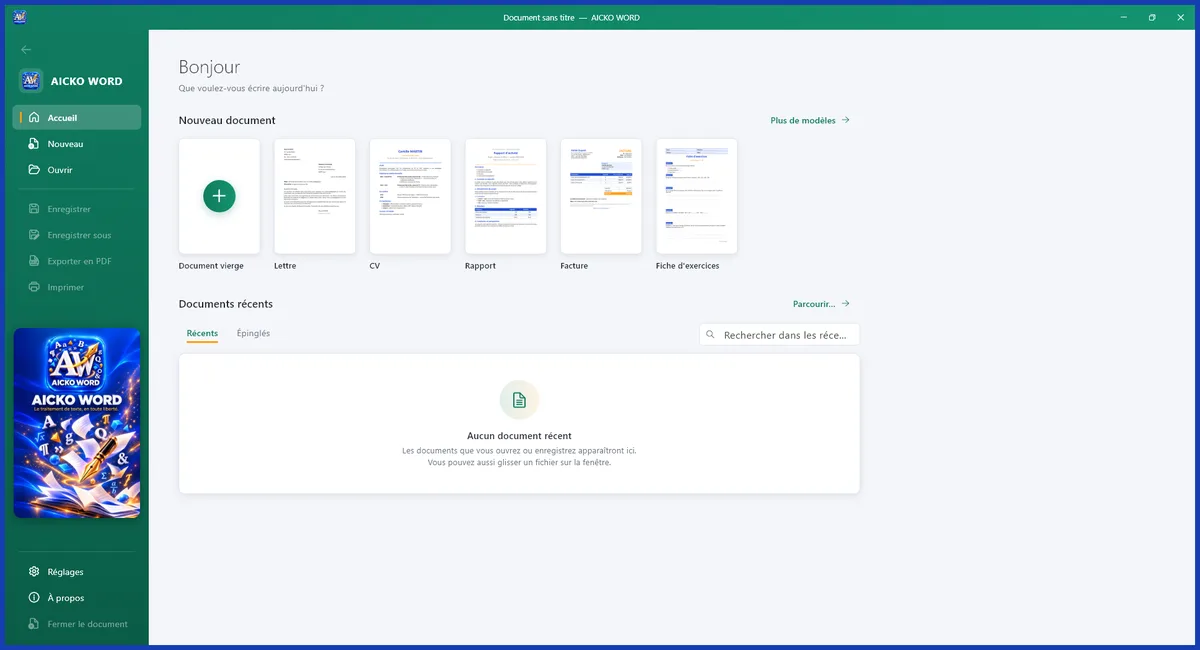
AICKO WORD is a free word processor for Windows 10 and 11 that opens and saves .docx files, exports to PDF and includes an equation editor. It needs no account, shows no ads and works fully offline from the Microsoft Store.
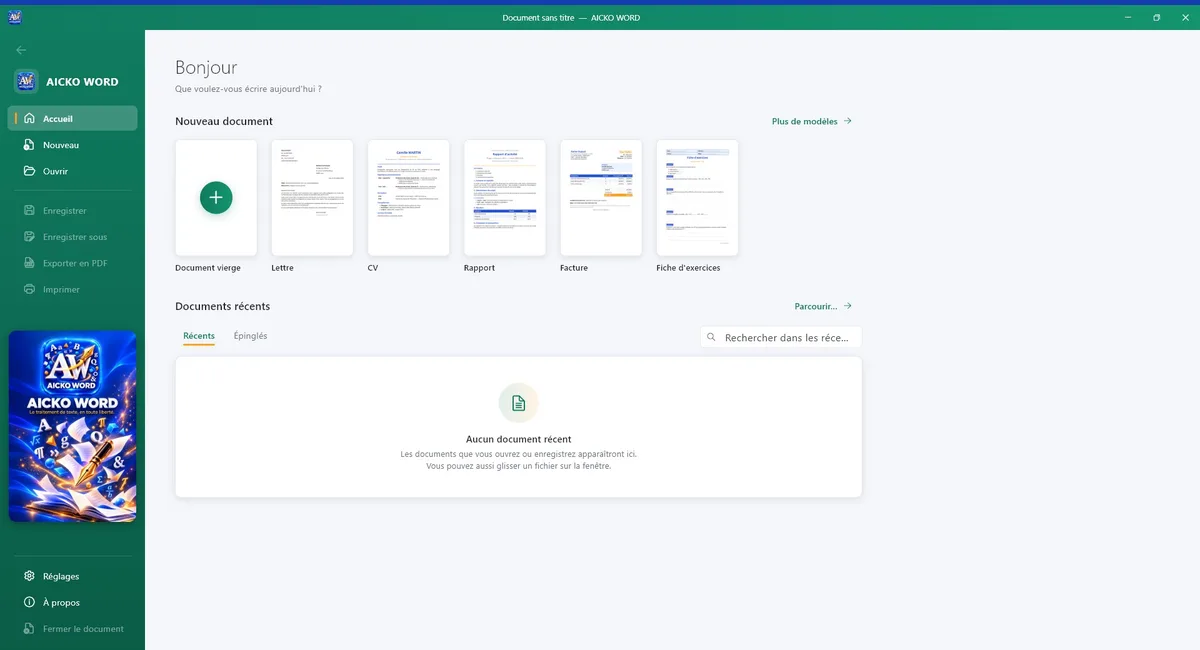
Families like it because it stays simple: a clear ribbon, ready templates and a spell checker, without the complicated tools that most people never use. It starts quickly and remembers your recent files.
At a glance
- Platform: Windows 10 and 11
- Price: free
- Formats: .docx, .doc, .odt, RTF, PDF export
- Equation editor: yes
- Works offline: yes
- Account: none, no ads
A free word processor for Windows that stays simple
Open the program and you find tabs for Home, Insert, Page layout, Review and View. Fonts, sizes, colours, highlighting, heading styles, lists, alignment, borders and shading are all there. The aim is that a ten-year-old writing a report and a parent writing a letter can both find what they need in a few seconds.
What it offers
- Open and save Word files (.docx and .doc), OpenDocument (.odt), RTF and plain text.
- Open a PDF to edit it, and export your own document to PDF.
- An equation editor with fractions, roots, powers, integrals and matrices.
- Pictures, tables with merged cells, shapes, decorative text, symbols, links, headers, footers and page numbers.
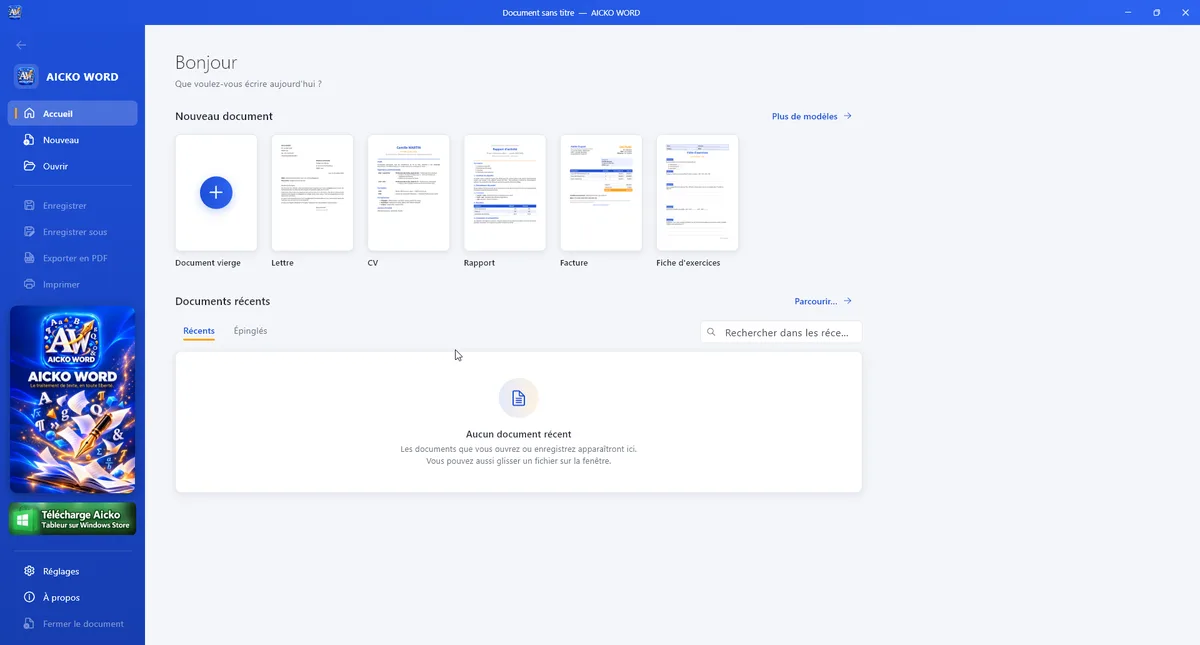
- Templates for a letter, CV, report, invoice, worksheet, lesson and test.
- Spell checker, find and replace, word statistics, zoom, ruler and reading mode.
- Dark mode, seven interface colours and menus in French or English.
Create a printable maths worksheet
- Install AICKO WORD from the Microsoft Store.
- Choose the worksheet template.
- Type your problems and insert fractions or powers with the equation editor.
- Check the spelling in the Review tab.
- Export to PDF or print directly.
Because the default format is .docx, the file opens on most other computers too.
Why Planète Maths families use it
If you download ideas from our practice pages or read a chapter in the math lessons, this program lets you rewrite a worksheet for your own child, in your own words, and print it neatly. Students can type their solutions with proper fractions, which is much clearer than a typed slash. Teachers can prepare a test and keep the layout stable.
Good habits for young writers
Ask your child to start with a heading style, then add a list and one picture. The Review tab shows word statistics, which is a fun way to set a goal such as two hundred words. Use find and replace to correct a name that was misspelled throughout the text, and use the reading mode to check the page before printing.
Documents are stored on your computer, not in an online account. Settings, recent files and automatic saves also stay beside the program, so nothing depends on an internet service.
Fonts, borders and shading help a school poster or a family newsletter look finished.
Honest limits
AICKO WORD is deliberately simple. It does not offer macros, mail merge or tracked changes. The spell checker uses a French dictionary, so English spelling help is limited. It needs Windows 10 or 11 and is not available for Mac. The spreadsheet and PDF programs from the same publisher cover other jobs.
Frequently asked questions
Is there a free word processor for Windows that saves .docx?
Yes. AICKO WORD is free, available in the Microsoft Store for Windows 10 and 11, and saves .docx by default. It also opens .doc, .odt, RTF and text files, and exports to PDF.
Does AICKO WORD need an internet connection?
No. It works fully offline, with no account and no ads. Your documents stay on your computer, and the program does not send them anywhere, which suits families who write about school or personal matters.
Can I type maths equations in AICKO WORD?
Yes. An equation editor is built in, with fractions, roots, powers, integrals and matrices. It is handy for teachers, students and parents who prepare maths worksheets and want clean printed results.
Is AICKO WORD available on Mac?
No. The program is made for Windows 10 and 11 and is installed from the Microsoft Store. A separate Android app with a similar approach exists for phones and tablets, but there is no Mac version.