



AICKO TABLEUR is a spreadsheet app for Android phones and tablets. It offers formulas, charts, templates and .xlsx or .csv files, and it works offline with no account and no ads.
Spreadsheets are a friendly way to explore numbers: a child changes one cell and sees every result move. The app keeps that experience simple, without long menus. It is made for phones and tablets, and every file stays on the device.

Get AICKO TABLEUR
At a glance
- Platform: Android
- Functions: more than 140, French names
- Files: .xlsx and .csv, PDF export
- Charts: 6 types
- Works offline: yes
- Account: none, no ads
A spreadsheet app that makes numbers move
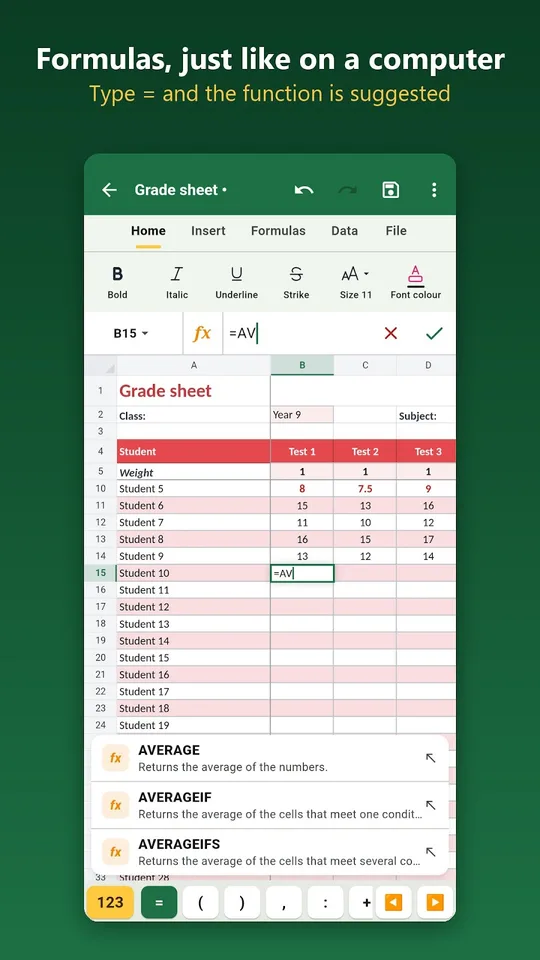
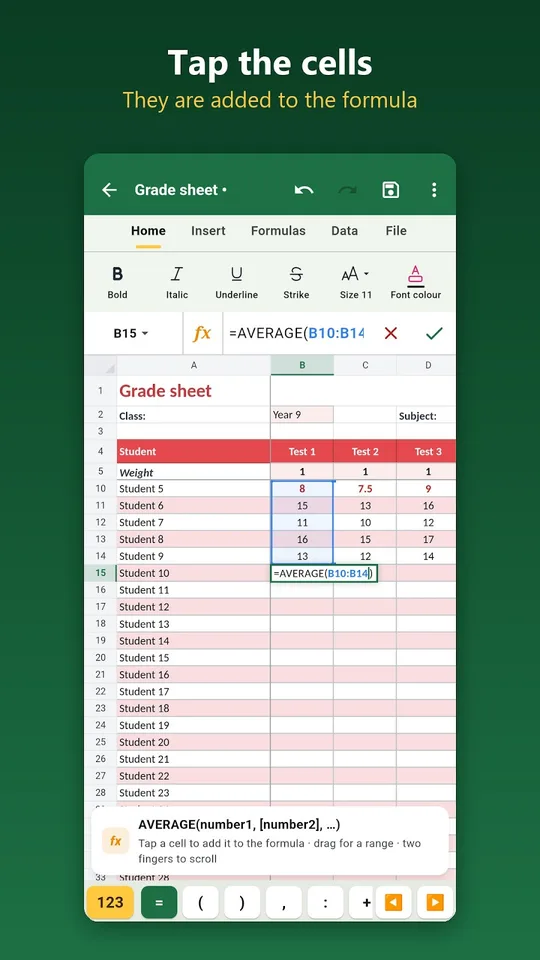
Type a number, write a formula, and the sheet recalculates at once. That is a great lesson in cause and effect for a curious child, and a practical help for adults who track a household budget. Type the equals sign and the first letters of a function, and the app suggests it. A forgotten bracket is added for you, and a single tap inserts an automatic sum.
What it can do
- More than 140 functions, including sum, average, IF, lookup, counting with a condition, rounding and loan schedules.
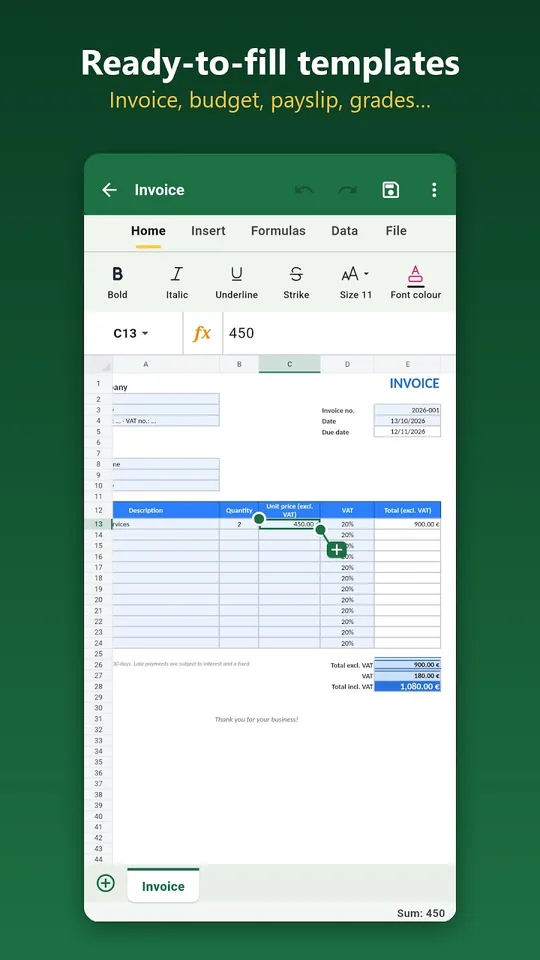
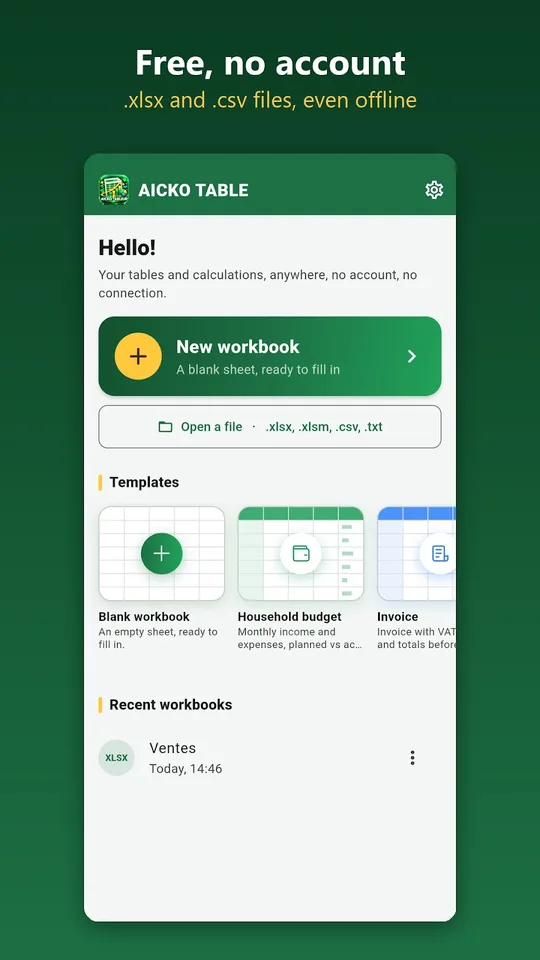
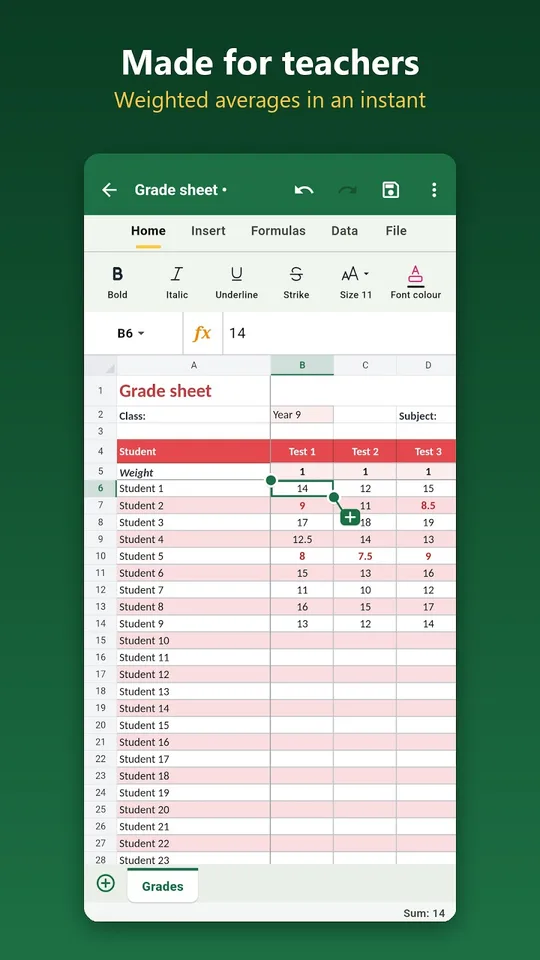
- Templates: invoice with VAT, family budget, simplified payslip, grade sheet with coefficients, income and expense book, timesheet, loan table and attendance list.
- Formatting: bold, colours, borders, merged cells, number, currency, percentage, date and time formats.
- Conditional formatting, for instance marks below 10 shown in red.
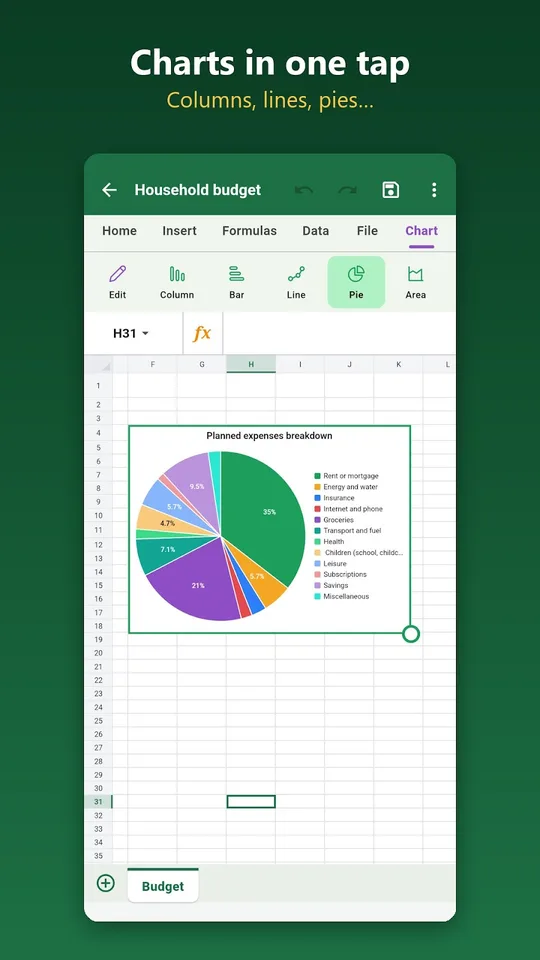
- Charts: columns, bars, lines, pie, area and scatter.
- Sort, filter, remove duplicates, frozen panes and several sheets per workbook.
Build a pocket-money tracker
- Open the family budget template or start an empty sheet.
- Write the dates, the amounts and a short label in three columns.
- Use the automatic sum to total the month.
- Colour the cells that go over the limit with conditional formatting.
- Add a pie chart to see where the money went.
Ask your child to guess the biggest slice before looking. It is a quiet way to talk about money and proportions.
A natural partner for Planète Maths
Percentages, averages and graphs appear throughout our math lessons, and a spreadsheet lets students test them on real data. Try the practice pages first, then rebuild a problem in a sheet to see the answer appear.
More ways to explore
Try a grade sheet with coefficients to see how a weighted average really works. Colour the marks below 10 in red and watch the colour change when you edit a mark. Freeze the top row to keep the headings visible while you scroll through a long list, and sort the list to see the highest values first.
Workbooks can be shared by email, messaging or cloud storage in one gesture. The app runs in French or English, with a dark mode and seven interface colours.
Start small: a sheet with five numbers, a total and an average is enough to see how formulas work. Then add a second column, change a value and watch both results update. Children quickly learn that a spreadsheet is a calculator that remembers what you asked it to do.
Honest limits
The function names are in French, for example somme instead of sum, so English readers will meet unfamiliar words, though the menus can be switched to English. The app targets everyday work, not macros or advanced analysis. It handles .xlsx and .csv files, can export to PDF and runs on Android; an iPhone version is in preparation. A Windows version exists as well.
Frequently asked questions
Is there a spreadsheet app for Android that opens .xlsx files?
Yes. AICKO TABLEUR opens and saves .xlsx and .csv workbooks on Android phones and tablets, and can export a sheet to PDF. It works offline, needs no account and shows no ads.
How many functions does AICKO TABLEUR have?
It offers more than 140 functions, including sum, average, conditional tests, lookups, counting with a condition, rounding and loan schedules. The names are in French, so English readers should expect somme instead of sum.
Does AICKO TABLEUR include ready-made templates?
Yes. You can start from an invoice with VAT, a family budget, a simplified payslip, a grade sheet with coefficients, an income and expense book, a timesheet, a loan table or an attendance list.
Can I make charts in AICKO TABLEUR?
Yes. The app draws column, bar, line, pie, area and scatter charts from your cells. That helps students see percentages and averages as pictures, which often makes them easier to understand.