


AICKO WORD is a word processor app for Android phones and tablets. It opens and saves .docx files, has an equation editor and exports to PDF, so a family can write a letter, a report or a maths sheet without a computer.
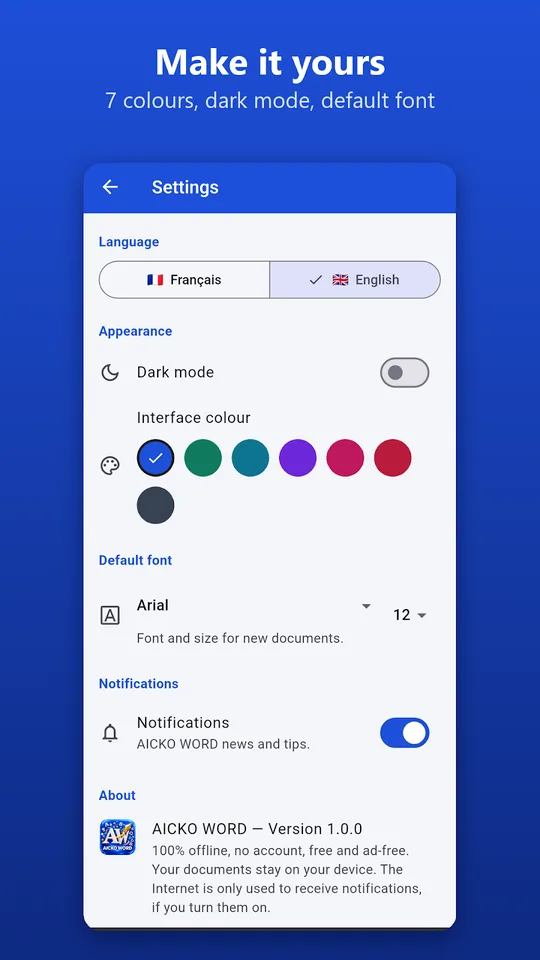
The app needs no account, shows no ads and works fully offline. Your documents stay on your device and nothing is sent anywhere. Fonts, sizes and colours are easy to change.
Get AICKO WORD
At a glance
- Platform: Android
- File format: .docx, PDF export
- Equation editor: yes
- Works offline: yes
- Account: none, no ads
- Menu languages: French and English
A word processor app that feels familiar
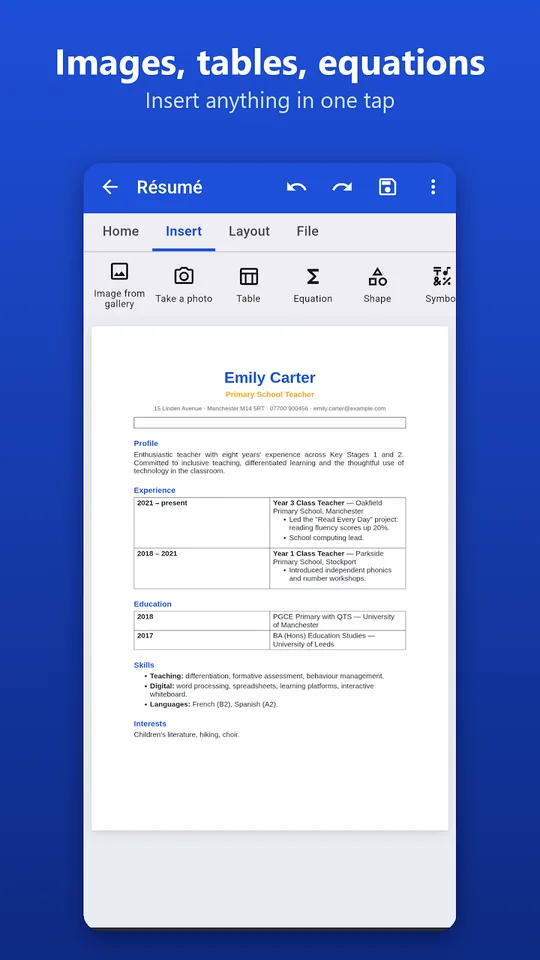
Adults who know a desktop writing program will recognise the layout at once: tabs for Home, Insert, Page layout and File, with bold, italic, underline, fonts, sizes, colours, highlighting, headings, lists, alignment and line spacing. A child can use the same buttons for a school presentation or a story, and the result looks tidy.
Features that matter
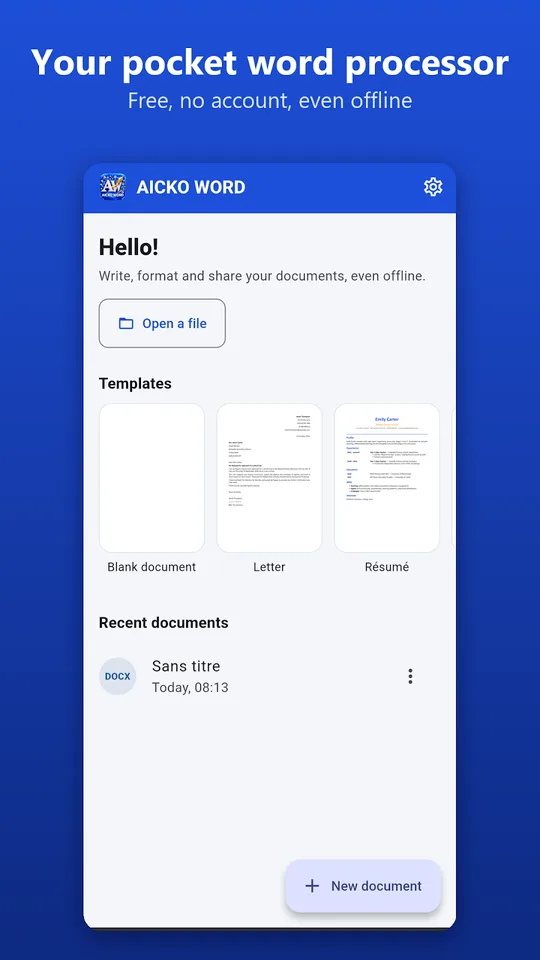
- Open Word documents received by email, edit them and save as .docx.
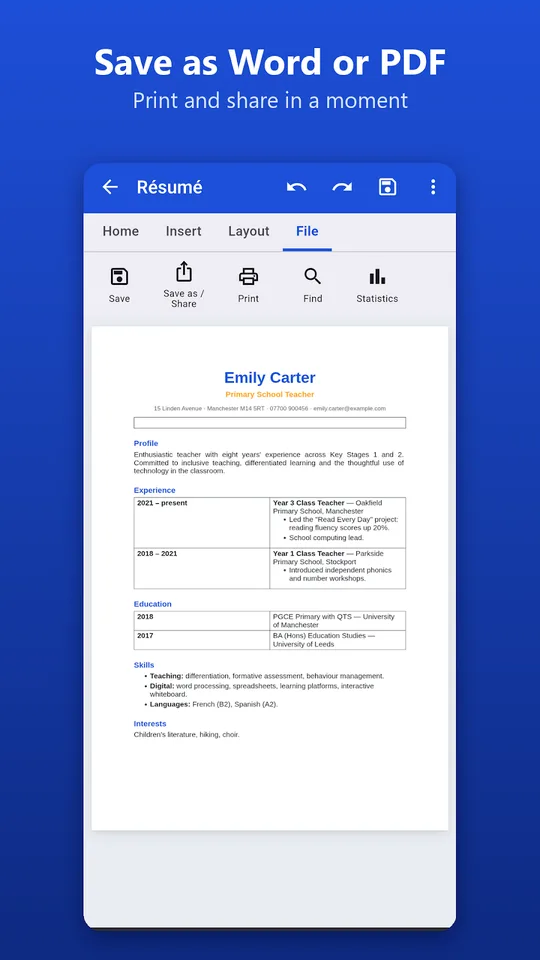
- Export to PDF, plain text or a web page, then share in one gesture.
- An equation editor with fractions, roots, powers, subscripts, integrals and matrices.
- Photos from the gallery or camera, tables, shapes, symbols, links and page breaks.
- Ready-made templates: CV, letter, lesson, worksheet, test, invoice and report.
- Paper sizes A4, A5, A3 and US Letter, margins, page numbers, find and replace, word statistics and direct printing.
Write a maths worksheet in five steps
- Start from the worksheet template.
- Type the title and the instructions, then choose a heading style.
- Open the equation editor and insert fractions or powers.
- Add a table for the answer grid.
- Export to PDF and print it or share it with the class.
The same steps work for a homework text, a school project or a family newsletter.
Why it belongs on Planète Maths
Maths is hard to write on a screen, and the equation editor solves that. Parents who build their own sets can pair it with our practice pages for ideas and with the math lessons for explanations, then write clean worksheets for the child. Students can type a solution neatly instead of sending a photo.
Everyday uses at home
A child can write a book report, a science poster text or a letter to a grandparent and print it directly. Parents can prepare a CV, a cover letter or an invoice from a template in minutes. Teachers can build a test, add a table for the marks and export it to PDF so that the layout looks the same on every screen.
Documents saved as .docx open in other writing programs too, so nothing is locked in. Seven interface colours and a dark mode let each family member choose a comfortable look.
For longer texts, the word statistics show the number of words and characters, which is handy for a school assignment with a length limit. Find and replace fixes a repeated mistake in one step, and page settings keep margins even.
Honest limits
The app is made for everyday documents. It does not aim to copy every advanced feature of a large office suite. Its menus come in French or English, and the spelling help is designed for French. It runs on Android; an iPhone version is in preparation. A Windows version with the same ideas exists too.
Frequently asked questions
Is there a word processor app for Android that saves .docx files?
Yes. AICKO WORD opens and saves .docx documents on Android phones and tablets. It also exports to PDF, plain text or a web page, and it works offline with no account and no ads.
Can I write maths equations in AICKO WORD?
Yes. It includes an equation editor with fractions, roots, powers, subscripts, integrals and matrices. That makes it useful for teachers, students and parents who need to type a maths worksheet or a solution cleanly.
Does AICKO WORD work without internet?
Yes. The app works completely offline and keeps your files on your own device. You do not need to create an account, and there are no ads, so it is a calm place to write.
What page sizes can I use in AICKO WORD?
You can choose A4, A5, A3 or US Letter, in portrait or landscape, and set the margins. Page numbers and direct printing are available, so a document made on a tablet is ready for a normal printer.