

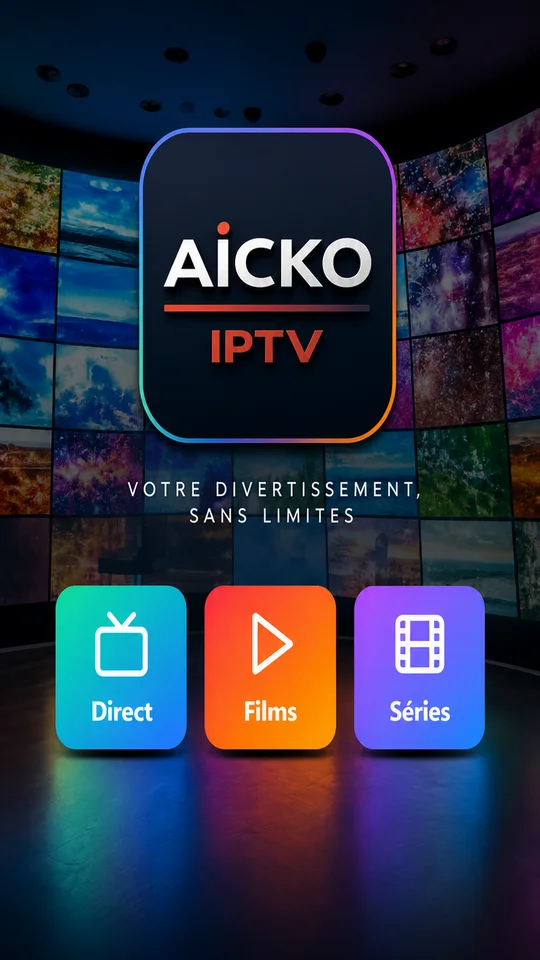
AICKO IPTV is an IPTV player app for Android phones and tablets, Android TV and Amazon Fire TV. You add the M3U list or Xtream codes that your own provider gave you, and the app plays your channels in a clean, simple layout.
It is a viewing tool, not a learning app. The app provides no channels or films of its own, so what you watch depends only on the list you add.

At a glance
- Platform: Android, Android TV, Fire TV
- Lists: M3U and Xtream codes you provide
- Content included: none
- Interface languages: 6, including Arabic
- Favourites: kept in step across devices
What an IPTV player app does
An IPTV player is like a good book shelf: it does not write the books, it keeps them organised and easy to open. AICKO IPTV reads the list you enter and sorts it into live television, films, series and radio. A search box helps you find a title in each section, and you can hide categories you never use.
For a household with children, that last point is handy. A parent can tidy the lists once so that the screen stays simple for everybody.
Main features
- Support for M3U playlists and Xtream codes that you provide yourself.
- Live television with a programme guide where your list offers one.
- Films and series that resume exactly where you stopped.
- Favourites and viewing progress kept in step across your devices through an account.
- Categories you can hide, and a search in each section.
- Interface in six languages: French, English, Arabic (right to left), German, Spanish and Italian.
Getting started, step by step
- Install the app on your Android phone or tablet.
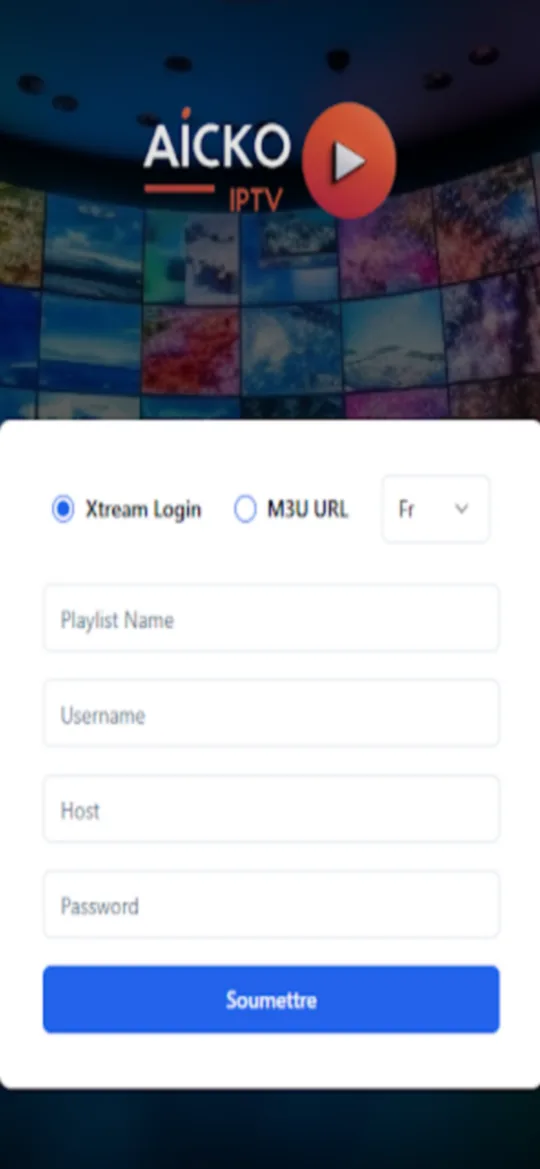
- Enter the address of your M3U list or your Xtream codes.
- Open a section, choose a channel and press play.
- Mark the programmes you like as favourites.
- To use a television, open the app there and pair it with your phone by scanning the QR code shown on the screen.
On a television you never type long addresses. The phone manages the active account and the television simply plays.
Why you find it on Planète Maths
Planète Maths belongs to a family of educational sites and apps built by the same publisher. If you came here to help a child with numbers, the math lessons and the practice pages are the right place to start. This player is for the evening, once the homework is done and the family wants to choose something to watch together.
Tips for a tidy family setup
Start by hiding the categories nobody watches. A shorter list means a child finds a programme quickly, and a grandparent does not get lost. Then mark three or four favourites on the phone. Because favourites and progress follow your account, the television shows the same shortlist without any extra typing.
A network or server problem does not disconnect a paired television. Only the disconnect option on the television signs it out.
The app can also play audio-only streams such as online radio, if your list contains them.
Honest limits
The app has no content. You need a list from a provider you trust and you remain responsible for it. Notifications appear on phones only, never on a television. A network problem does not log you out of a paired television. An iPhone version is in preparation.
The app is a viewer. It does not teach maths, but it runs on the same devices where your child may already use our learning apps.
Frequently asked questions
What is an IPTV player app?
An IPTV player app plays television and video streams delivered over the internet from a list you provide, usually in M3U or Xtream format. AICKO IPTV is such a player: it supplies no channels of its own.
Does AICKO IPTV work on Fire TV and Android TV?
Yes. It runs on Android phones and tablets, on Android TV and on Amazon Fire TV. On a television you pair the screen with your phone by scanning a QR code, so you never type long addresses with a remote.
Does AICKO IPTV include channels?
No. The app does not host, provide or sell any content. You add the M3U list or Xtream codes obtained from your own provider, and the app only plays what that list contains.
Can I keep my favourites on several devices?
Yes. Favourites, hidden categories and your viewing progress are kept in step between your devices through an account. A film you stopped on your phone resumes at the same point on your television.